---
canonical: "https://www.jsolly.com/blog/I-made-my-code-async-its-388-percent-faster/"
title: "Speed Up REST Calls With AsyncIO | Get 388% Faster Results"
description: "Use asyncio to speed up your REST calls and get 388% faster results. Learn how to make multiple requests without waiting for each response."
author: "John Solly"
published: "2022-06-02T20:45:55.000Z"
updated: "2022-06-02T20:45:55.000Z"
---
# Speed Up REST Calls With AsyncIO | Get 388% Faster Results
The blog roadmap page makes several synchronous REST calls to the GitHub API to fetch issues. I thought I could speed things up by making them asynchronous. I can make several REST calls with async without waiting for each response.
## Synchronous
import requests
def make_request(url):
    return requests.request(method="GET, url=url)
URLS = [url1, url2, url3]
response1, response2, response3 = map(url, make_request)
## Asynchronous
import aiohttp
import asyncio
async def make_request(session, url):
    async with session.get(url) as resp:
        return await resp.json()

async def main(urls):
    async with aiohttp.ClientSession() as session:
        tasks = []
        for url in urls:
            tasks.append(asyncio.ensure_future(make_request(session, url)))
        return await asyncio.gather(*tasks)

urls = [url1, url2, url3]
response1, response2, response3 = asyncio.run(main(urls))
I ran both versions five times with these results:
`synchonous_time (in seconds) = [1.2, 1.3, 1.5, 1.3]`
`synchonous_average = 1.32 seconds`
`asynconous_time (in seconds) = [0.3, 0.4, 0.3, 0.4, 0.3]`
`asynconous_average = 0.34 seconds`
That's 1.32/0.34 \* 100 = **388% faster**!
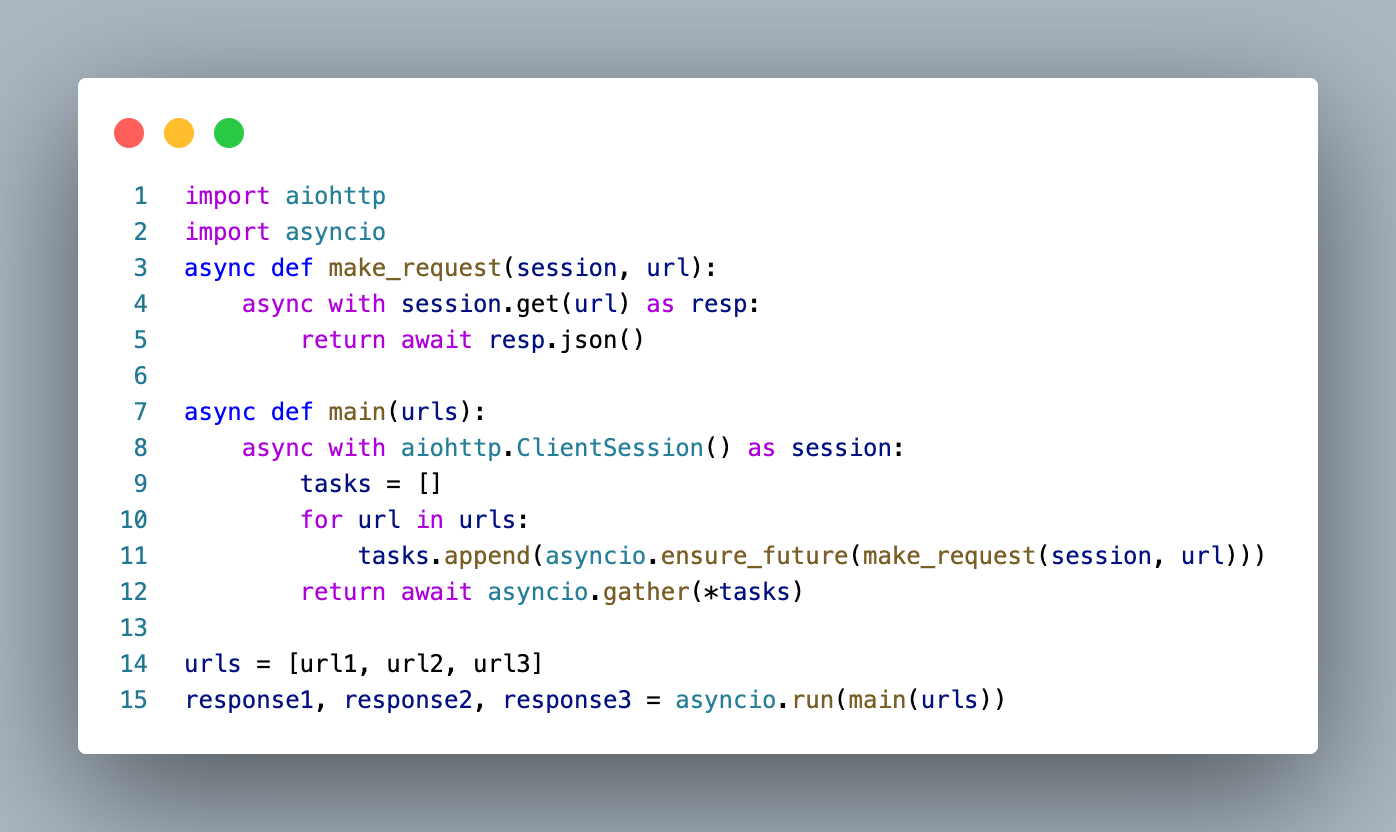
You won't notice because site pages are cached on [Cloudflare's edge network](https://www.jsolly.com/blog/free-cdn-for-17x-speed/), but it was fun to find a good use case for async and see the benefits for myself! The magic happens on **lines 10 - 12,** where requests are added to a task list. The code waits on **line 12**, but it's collecting responses as they come back instead of one at a time.
## Conclusion
Async is useful for I/O bound tasks. Instead of making requests one at a time, I used [asyncio](https://pypi.org/project/asyncio/) to make them asynchronous. The result was a 388% speed increase in getting back responses from the GitHub API.
June 2, 2022 in [Web Dev](https://www.jsolly.com/blog/category/web-dev/)
Updated June 2, 2022